 PearPass
How To Edit An Item In Your Vault
Keeping your vault up to date is easy. This guide walks you through editing any item in your PearPass vault.
Sign in
Open PearPass on your computer and sign in with your master password.

Select the item
Find the item you want to edit in the vault list, then click it to open its details.

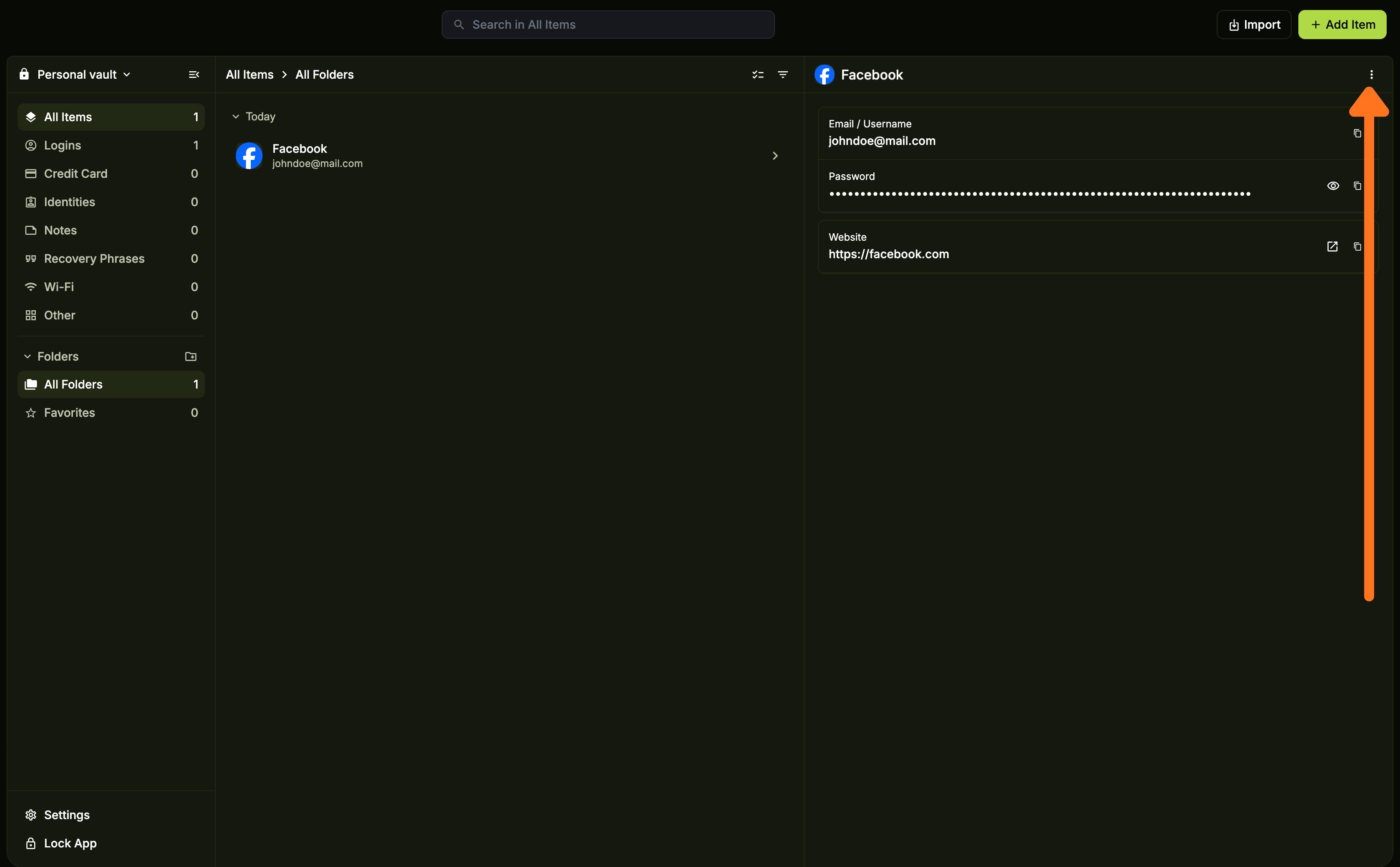
Open the options menu
Click the three vertical dots ( ⋮ ) in the top right corner of the screen to open the options menu.
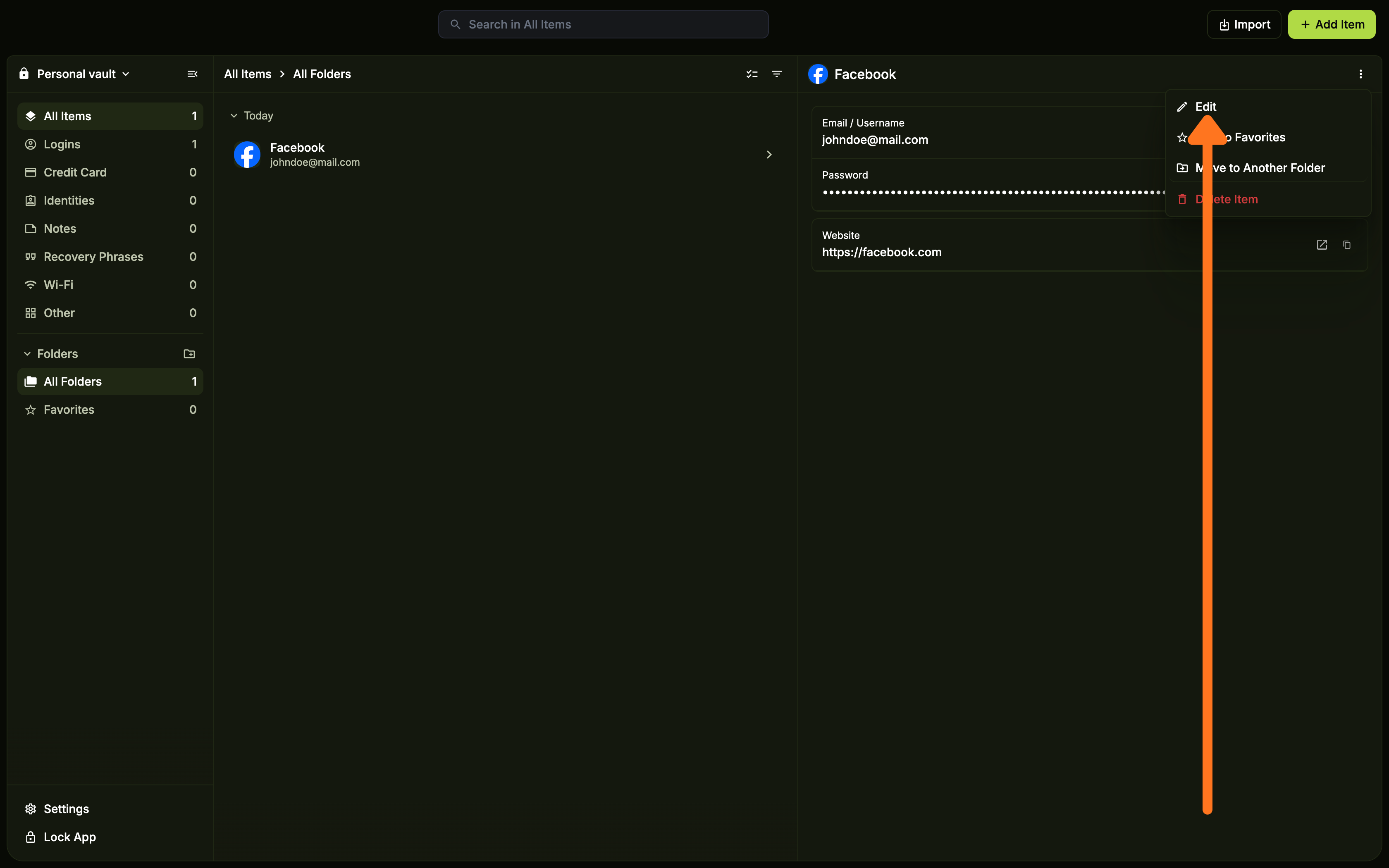
Select Edit
Click Edit from the options menu.
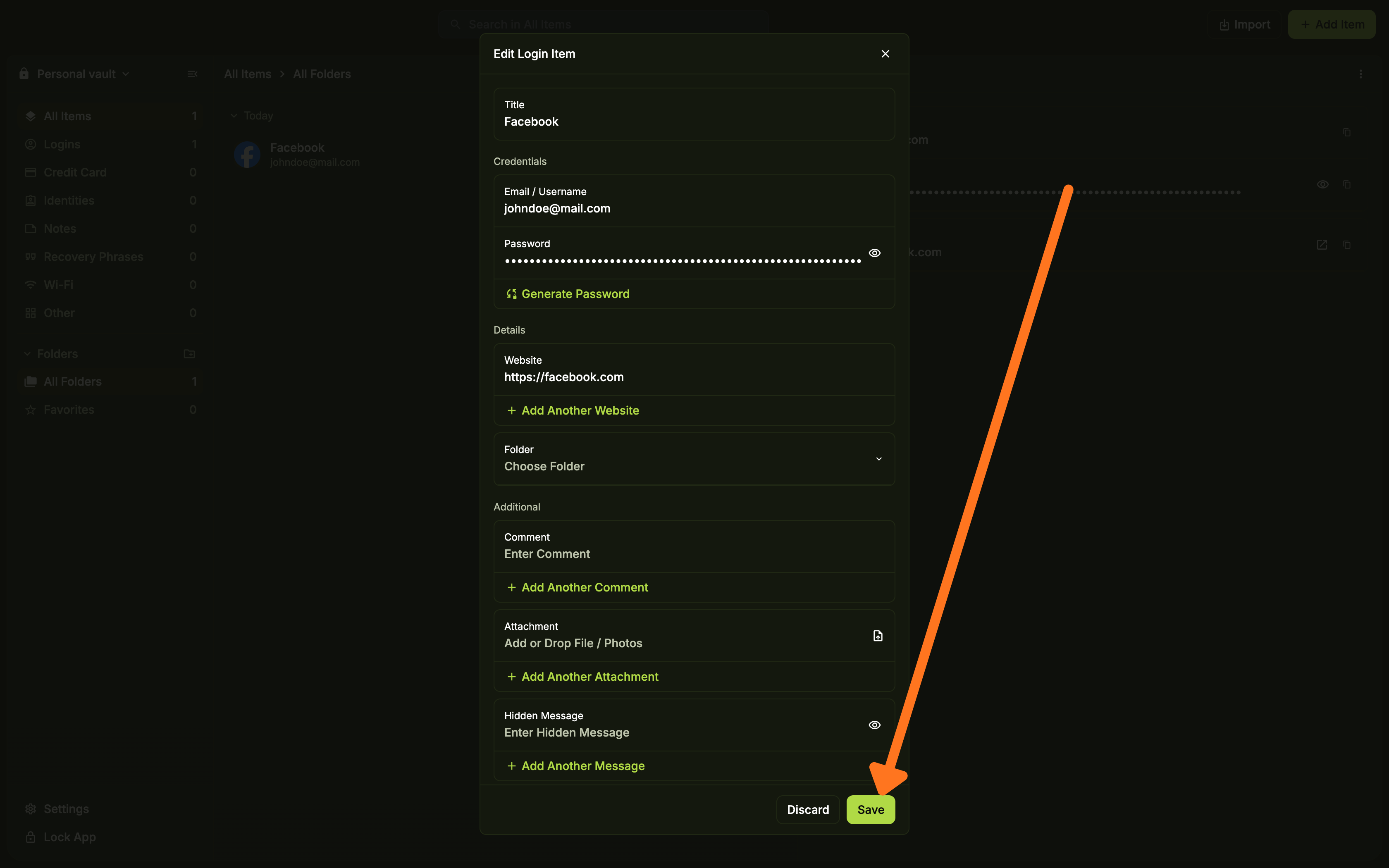
Update and save
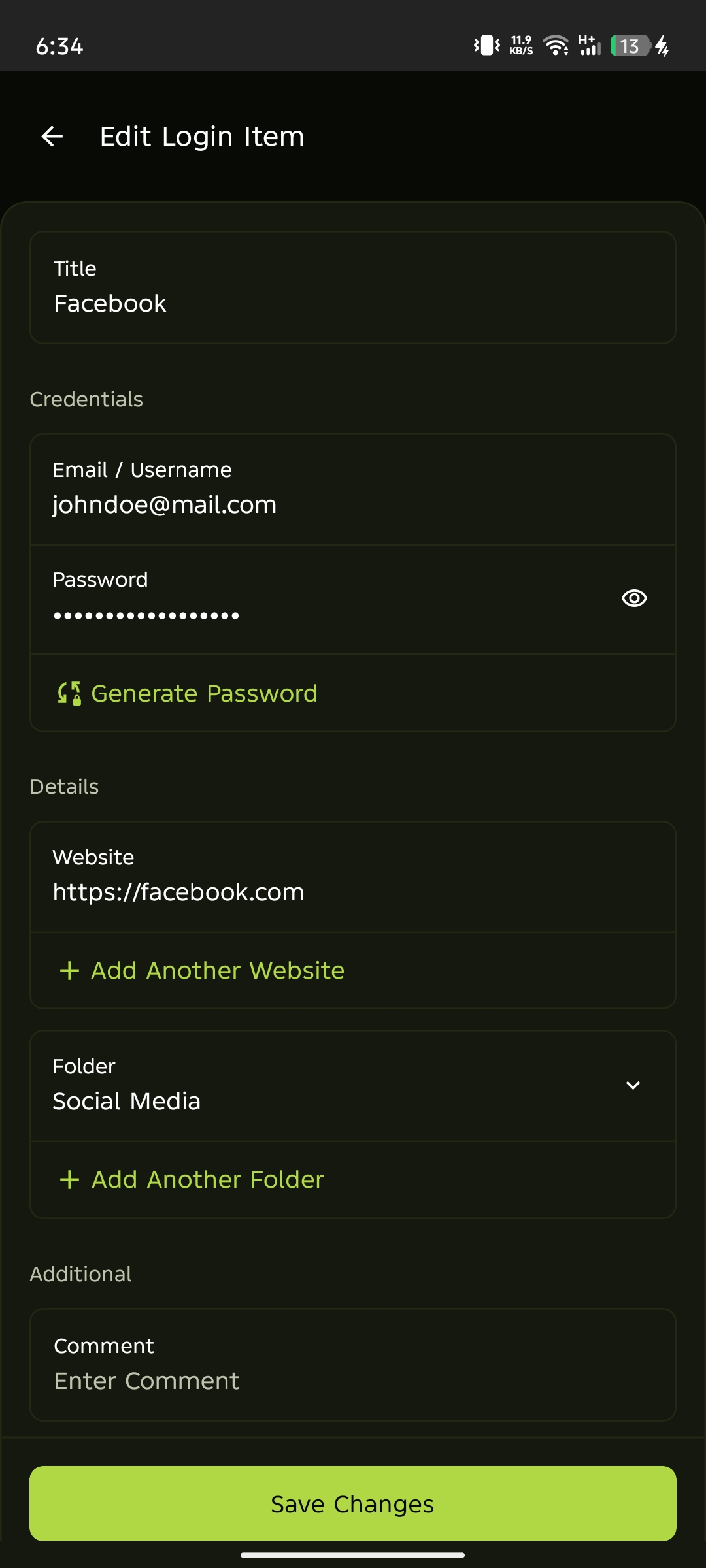
Update the fields as needed, then click Save to apply your changes.
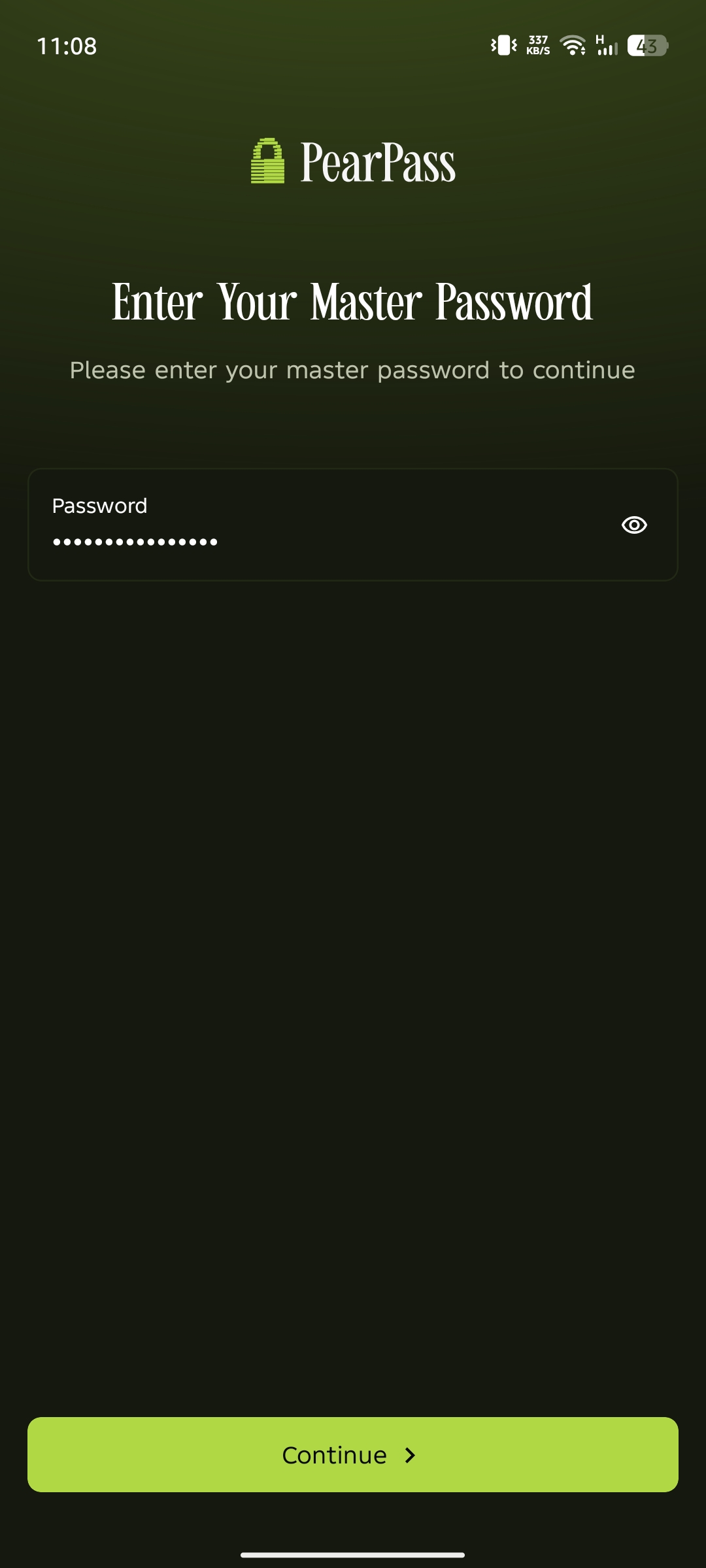
Sign in
Open PearPass on your mobile device and sign in with your master password.
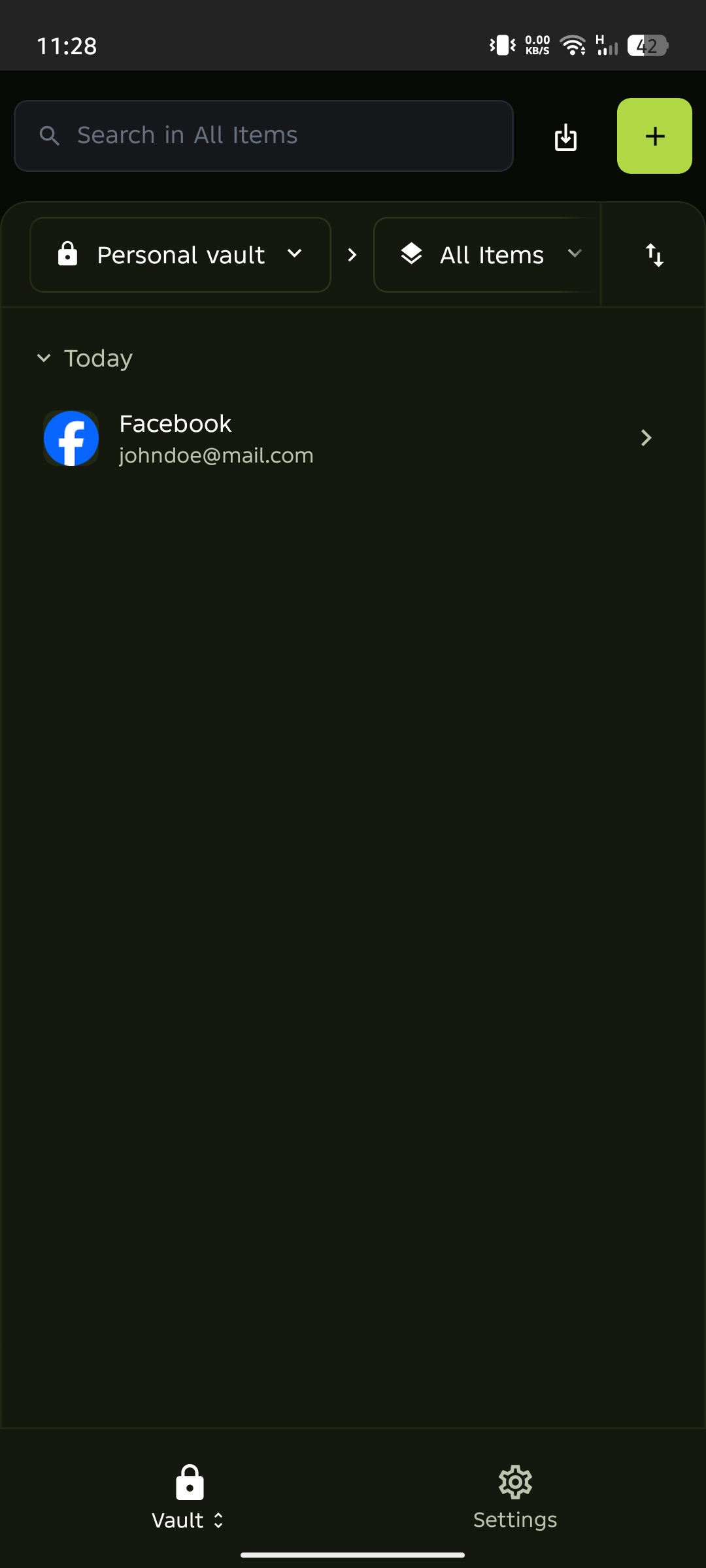
Select the item
Find the item you want to edit in the vault list, then tap it to open its details.
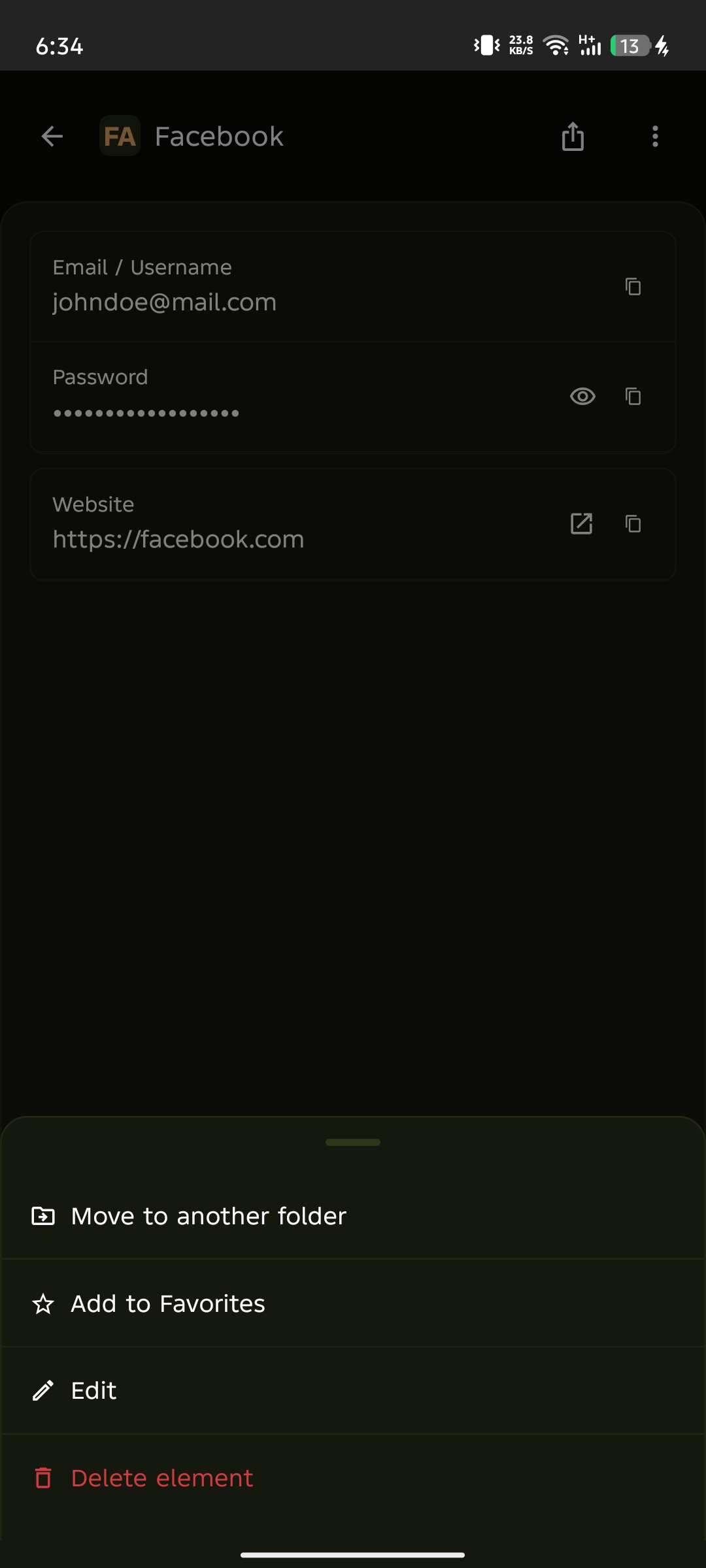
Open the options menu
Tap the three vertical dots ( ⋮ ) in the top right corner of the screen to open the options menu.

Select Edit
Tap Edit from the options menu.
Update and save
Update the fields as needed, then tap Save Changes to apply your changes.