 PearPass
How to Activate the Browser Extension
Follow the steps below to connect the PearPass browser extension to your desktop app. Once active, you can use it to save and sign in with passkeys.
The browser extension requires the PearPass desktop app to be running. Without it, the extension cannot access your credentials.
Install the browser extension
Install the PearPass browser extension. See the Browser Extension Installation Guide.
Generate a pair code
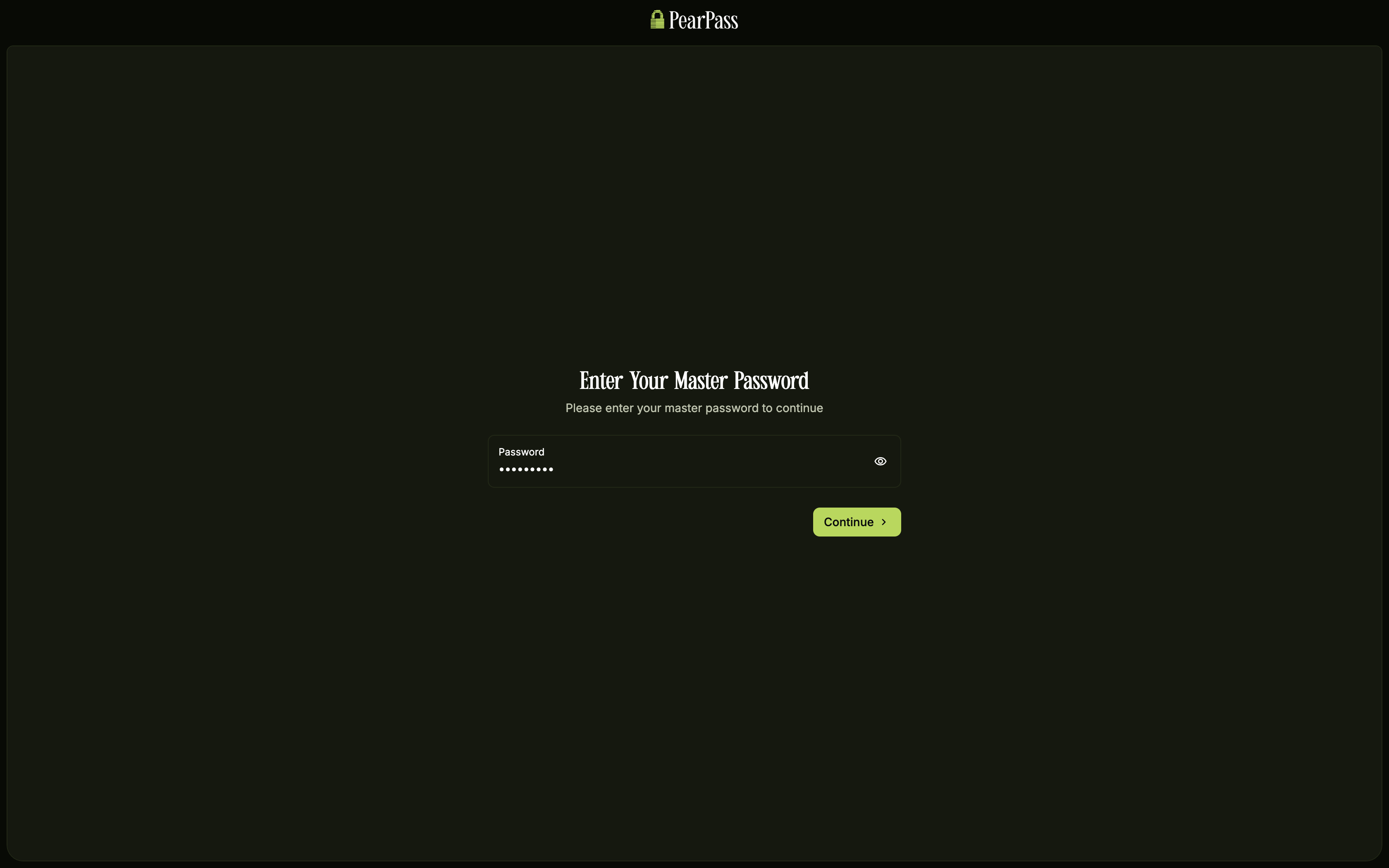
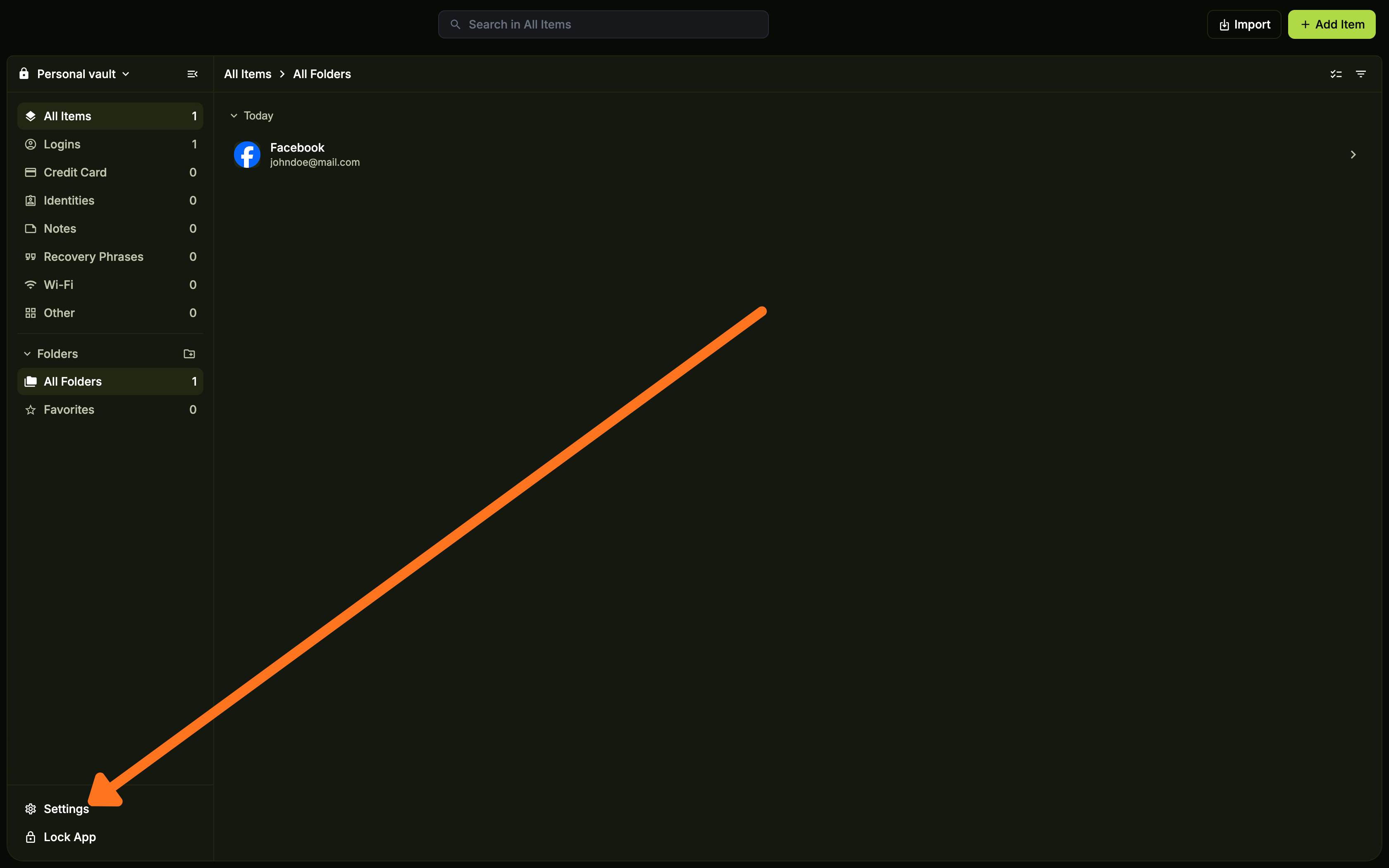
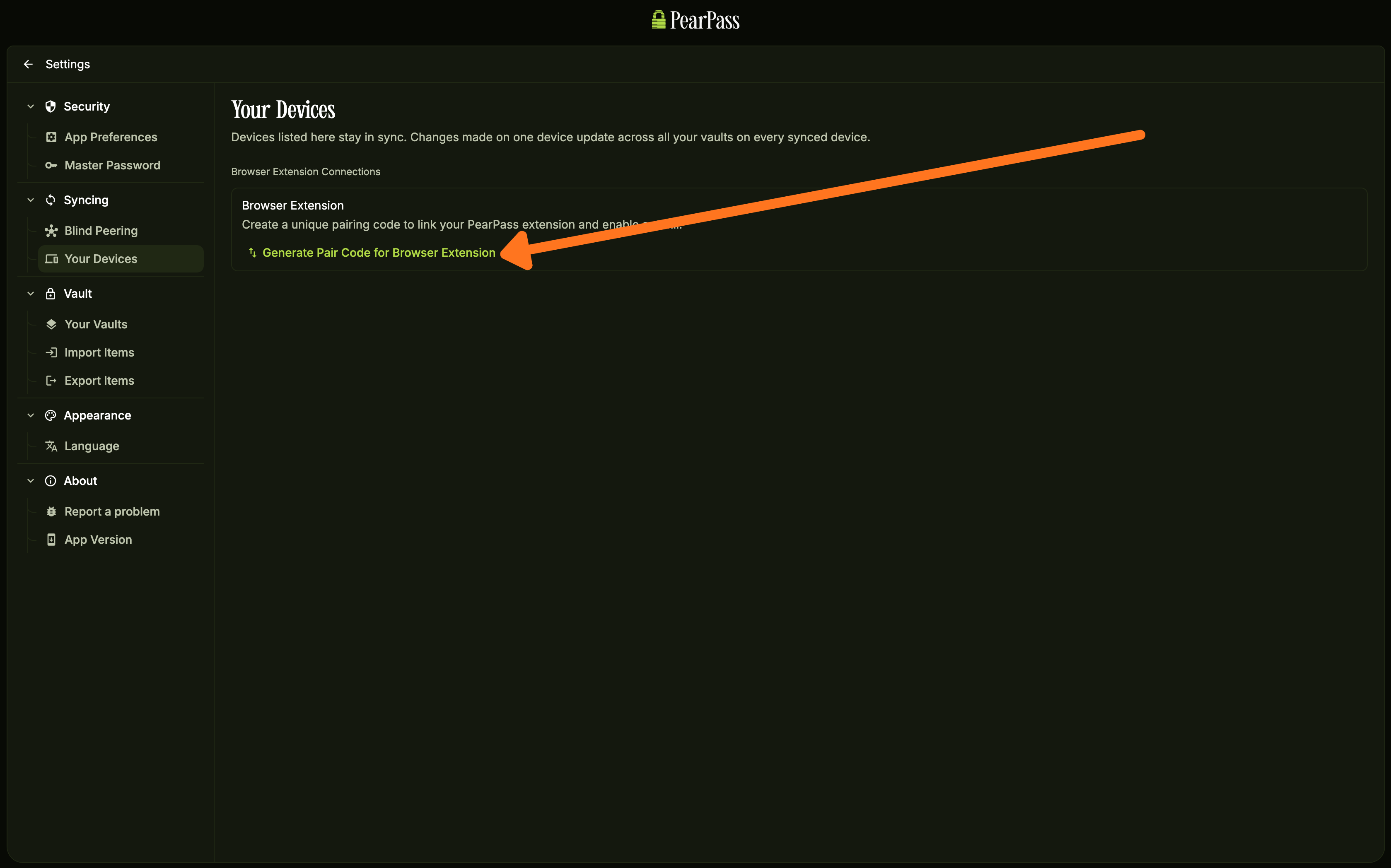
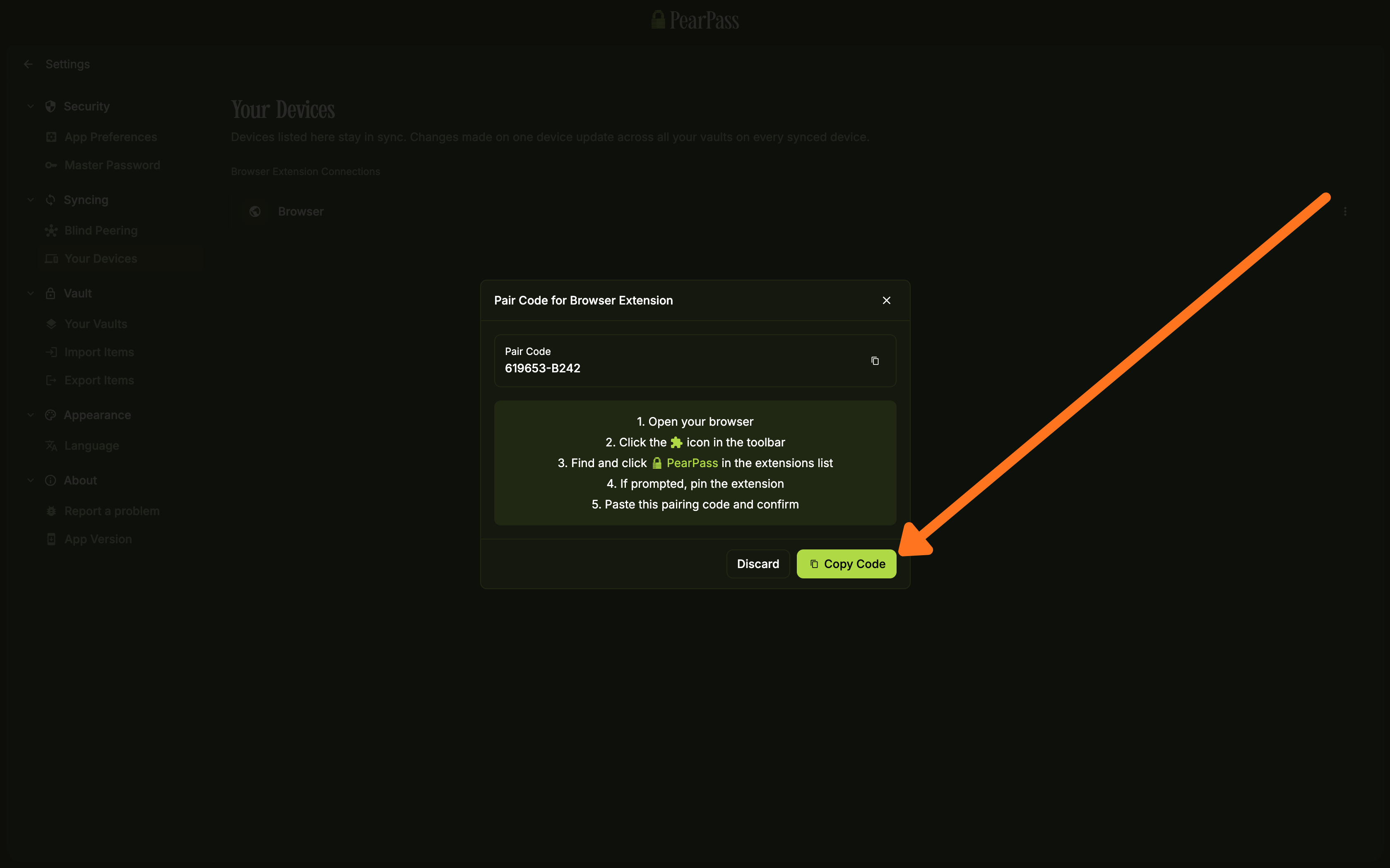
On the side menu bar, under the Sync section, click Your Device. On the Your Device screen, click Generate Pair Code for Browser Extension.
Paste the pair code and verify
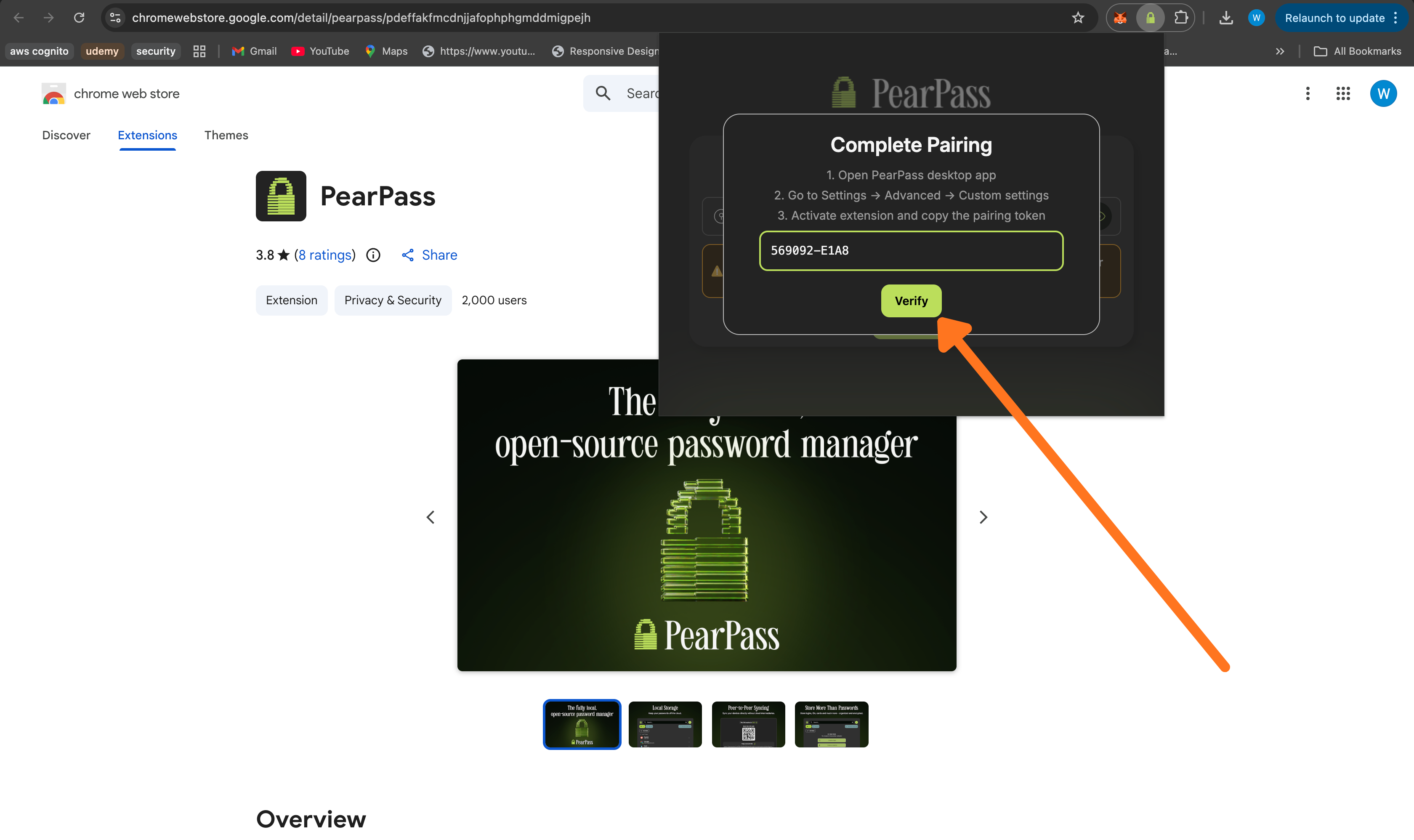
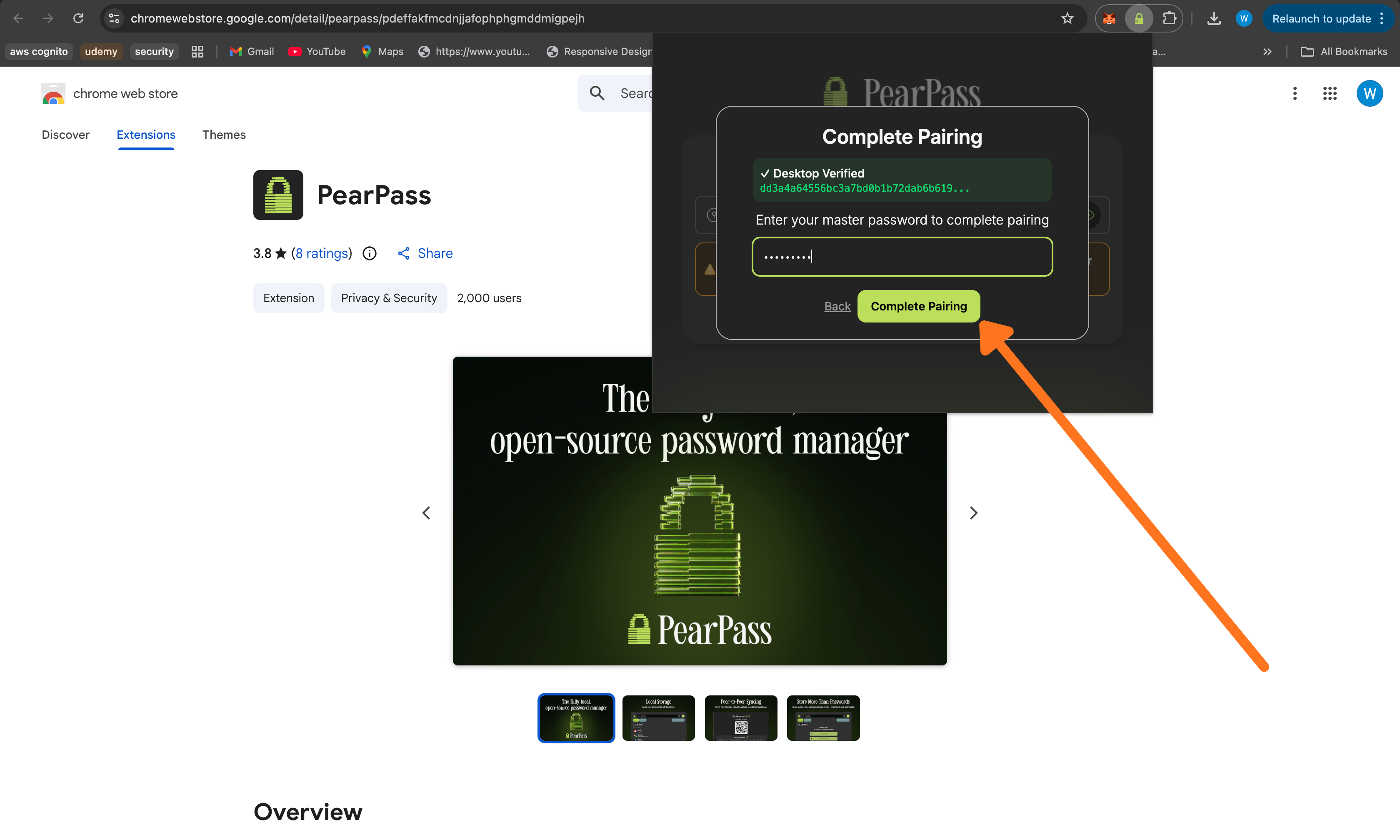
Open your browser and click the PearPass extension icon. Paste the pair code into the input field, then click Verify.