 PearPass
How to Create a Vault
A vault is where PearPass securely stores your passwords, notes, and other sensitive information. Follow the steps below to create a new one.
Sign in
Open PearPass on your computer and sign in with your master password.

Open Settings
Click Settings.

Create a new vault
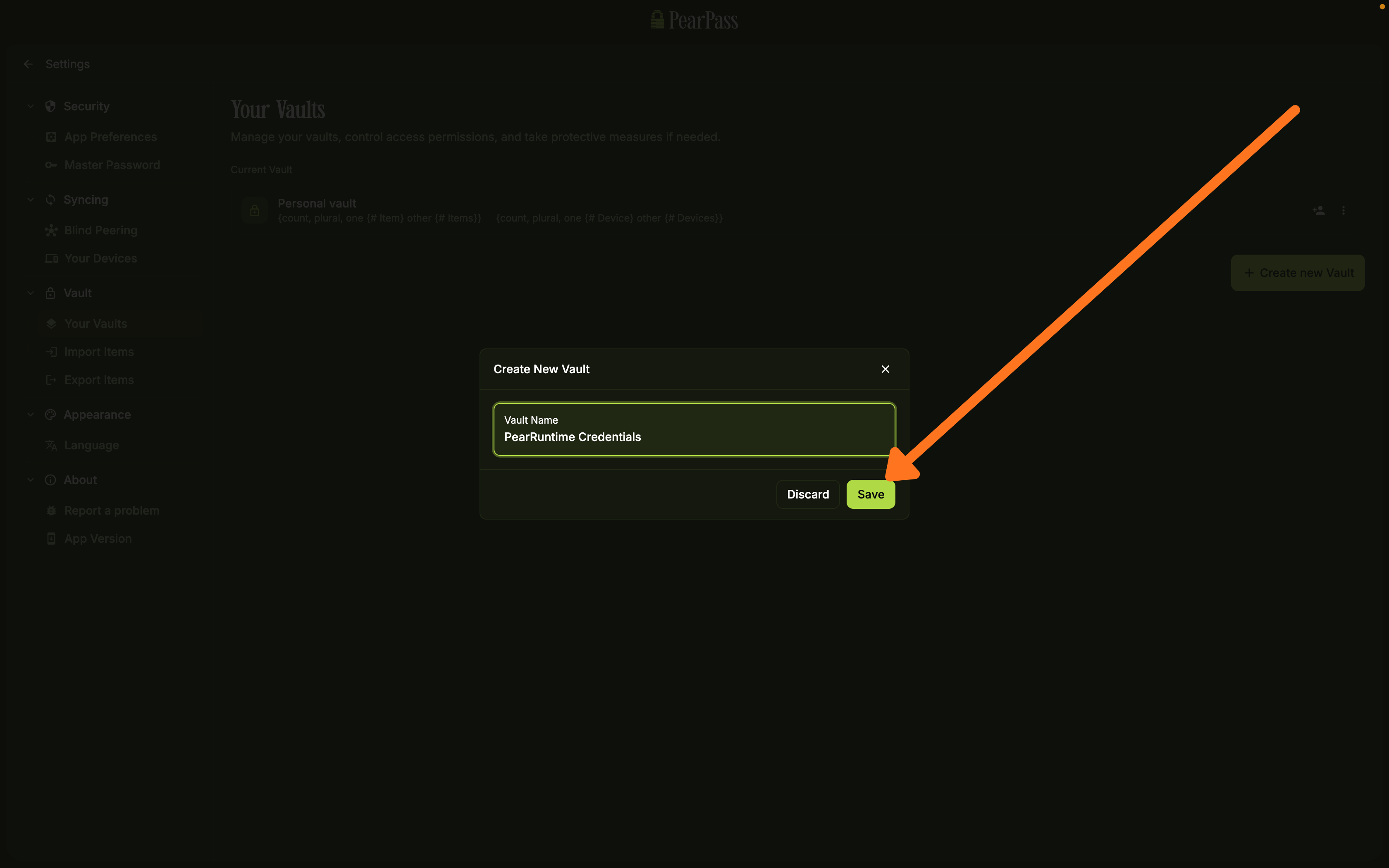
On the side menu bar, under the Vault section, click Your Vaults. On the Your Vaults screen, click Create new Vault.

Save your vault
Click Save. Your new vault is ready to use.
Sign in
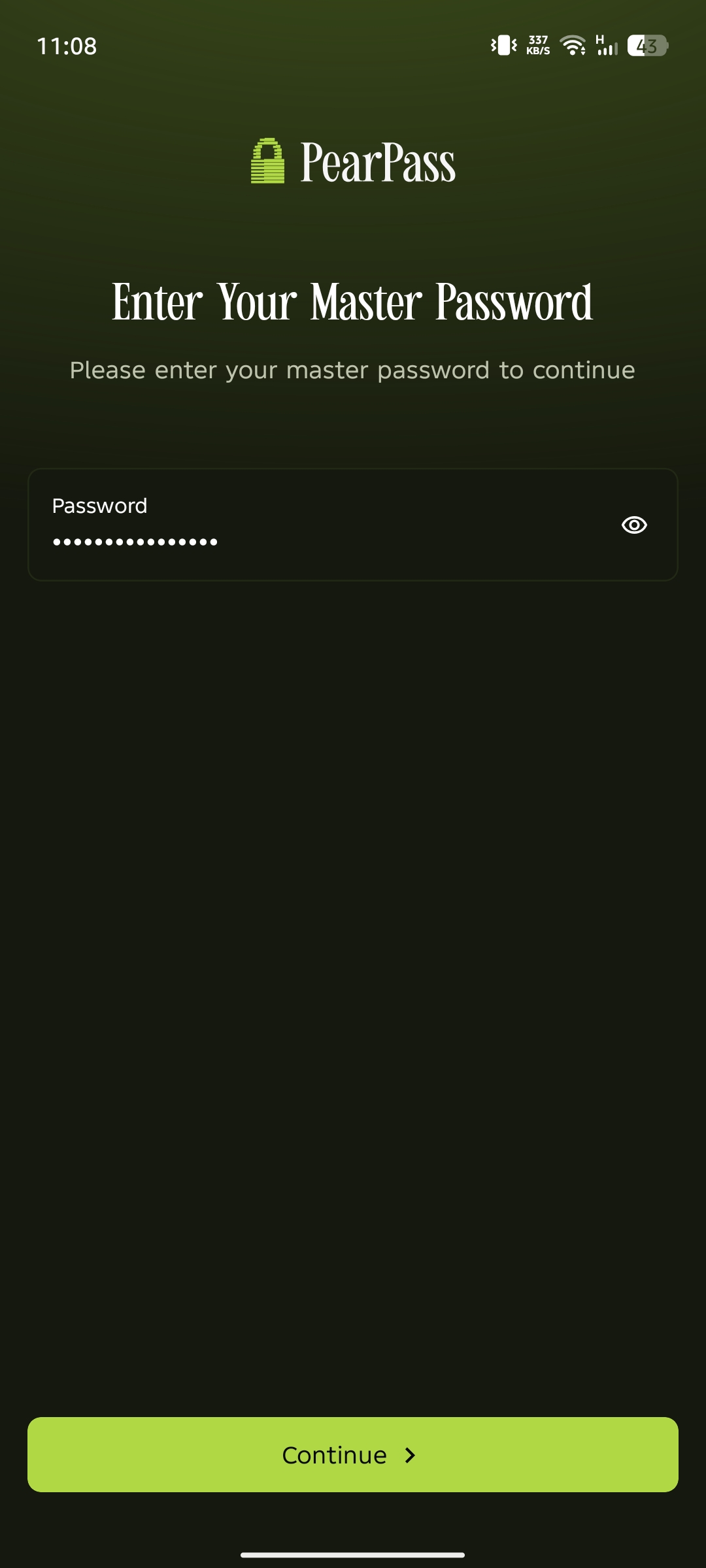
Open PearPass on your mobile device and sign in with your master password.
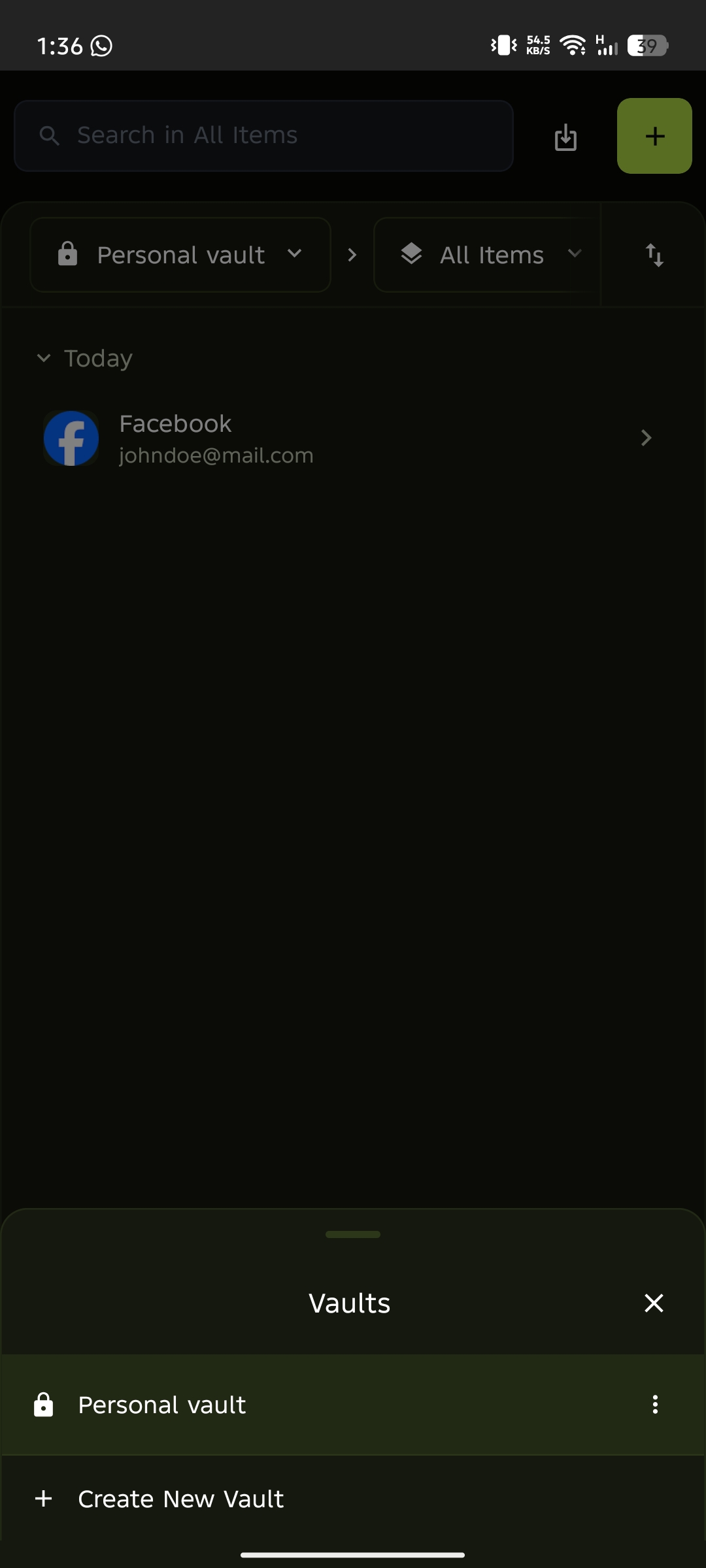
Open the vault menu
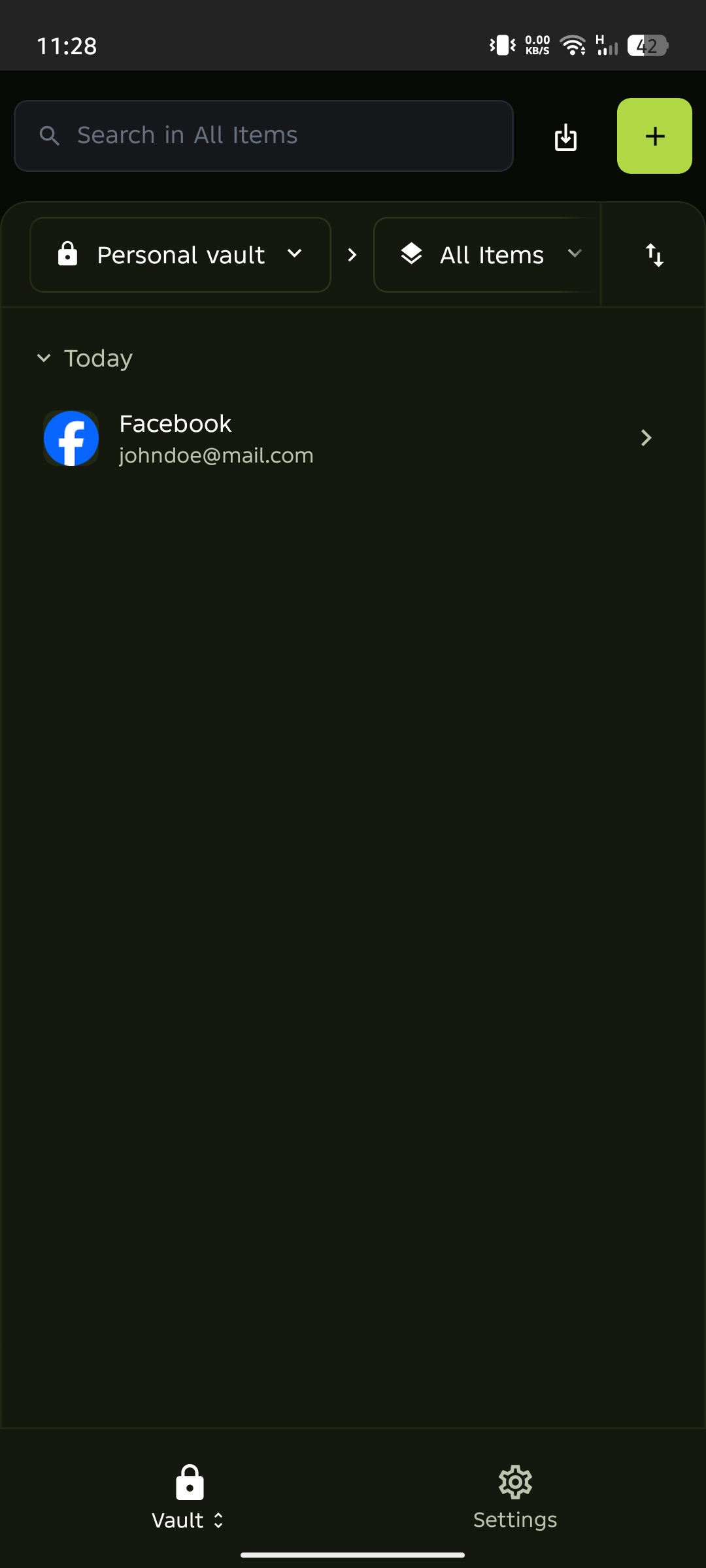
Tap the vault name dropdown below the search bar to open the vault menu. Alternatively, press and hold the padlock icon in the bottom menu.
Create a new vault
Tap Create New Vault from the vault menu.
Enter vault details
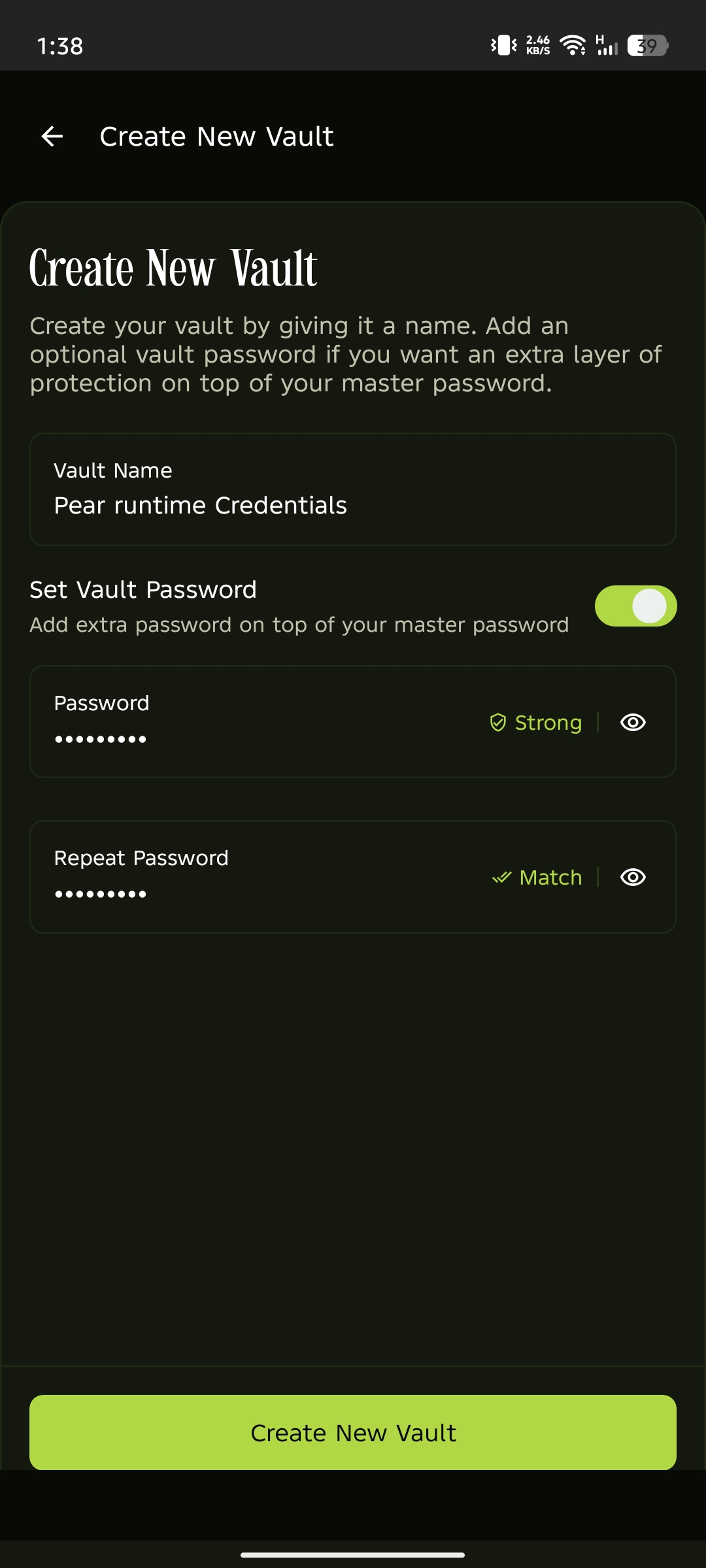
Enter a name for your vault. Optionally, toggle Set Vault Password to add an additional password alongside your master password. Tap Create New Vault to save.